You remind. They forget.
GentleTime remembers for them.
A visual schedule on your child's wrist — with pictograms, countdowns, and gentle vibrations. The watch reminds, so you don't have to.
14 days free · No credit card · We are letting people in step by step
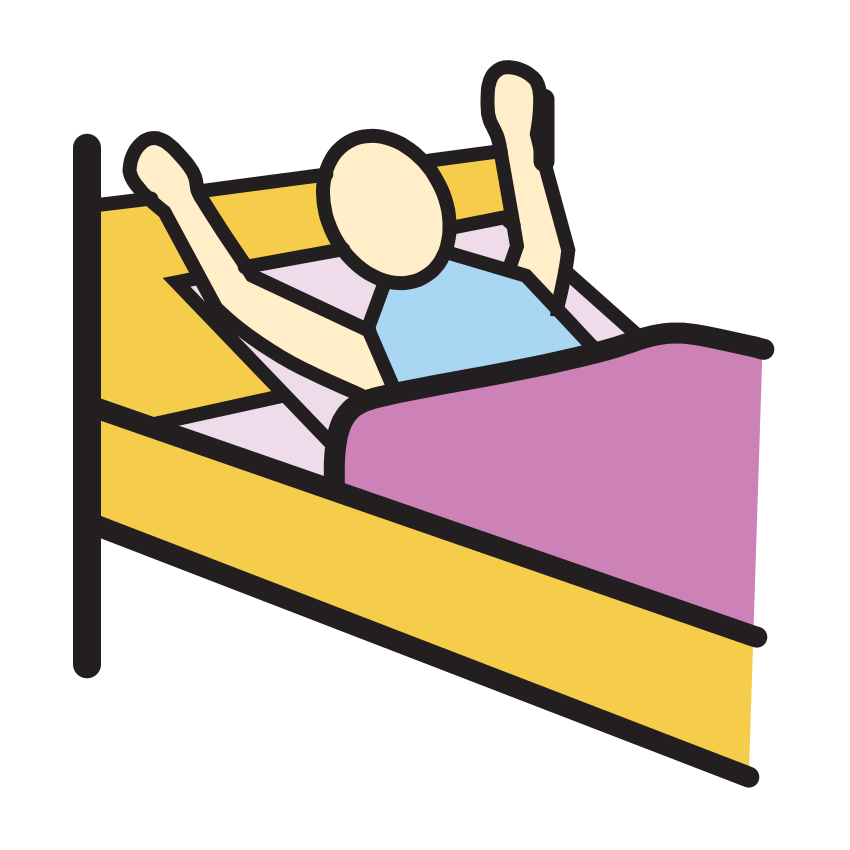





01 · Build the day
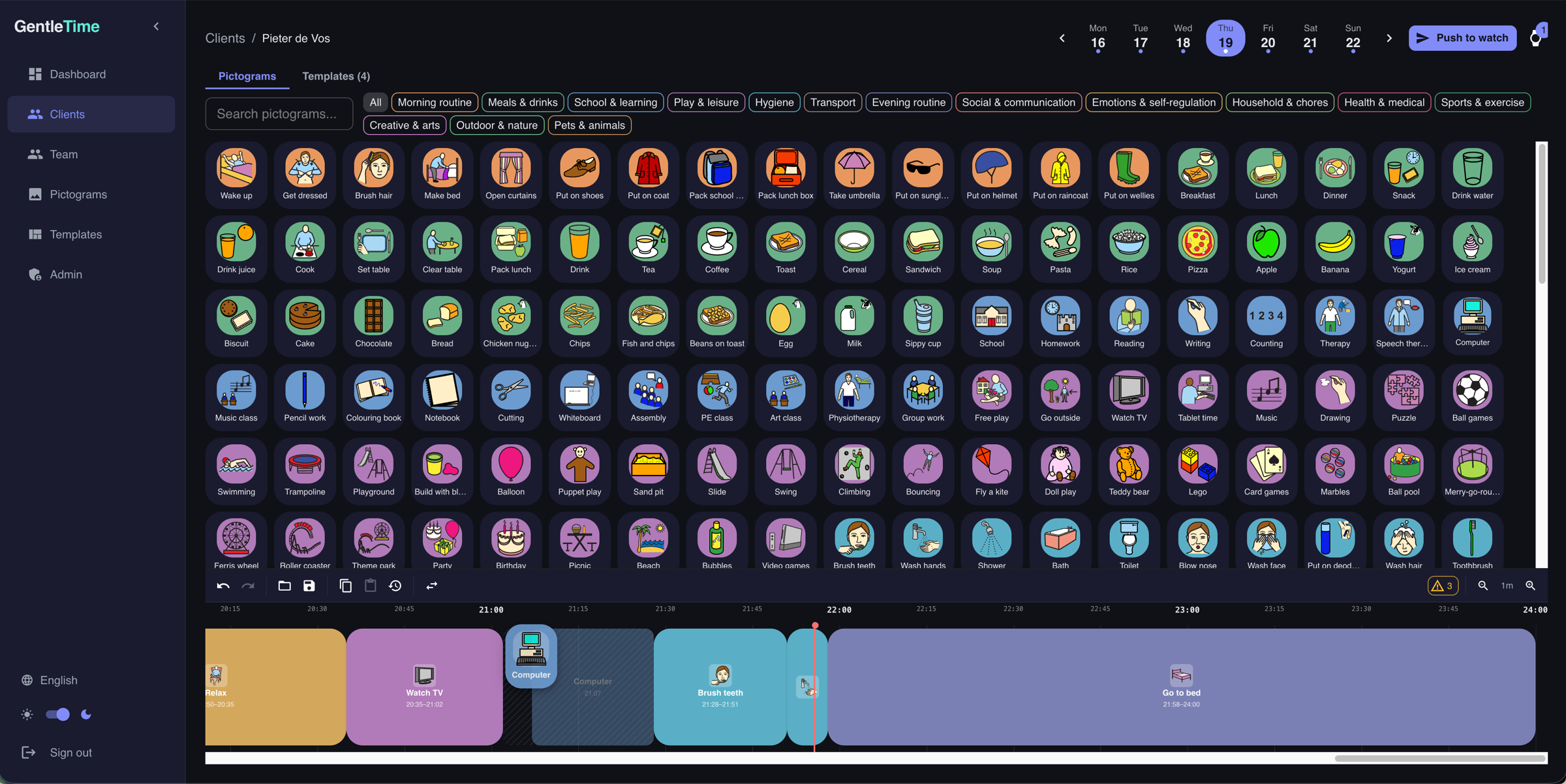
You build the routine. The watch does the reminding.
Pick pictograms, drag them onto a visual timeline, set how long each activity lasts. A full day's schedule takes just a few minutes. Save it as a template for days that repeat.
02 · Pair a watch
Apple Watch & Wear OS
Connect an Apple Watch or Wear OS smartwatch. The schedule syncs automatically — your child always has their routine on their wrist.
Works on Apple Watch and Wear OS smartwatches
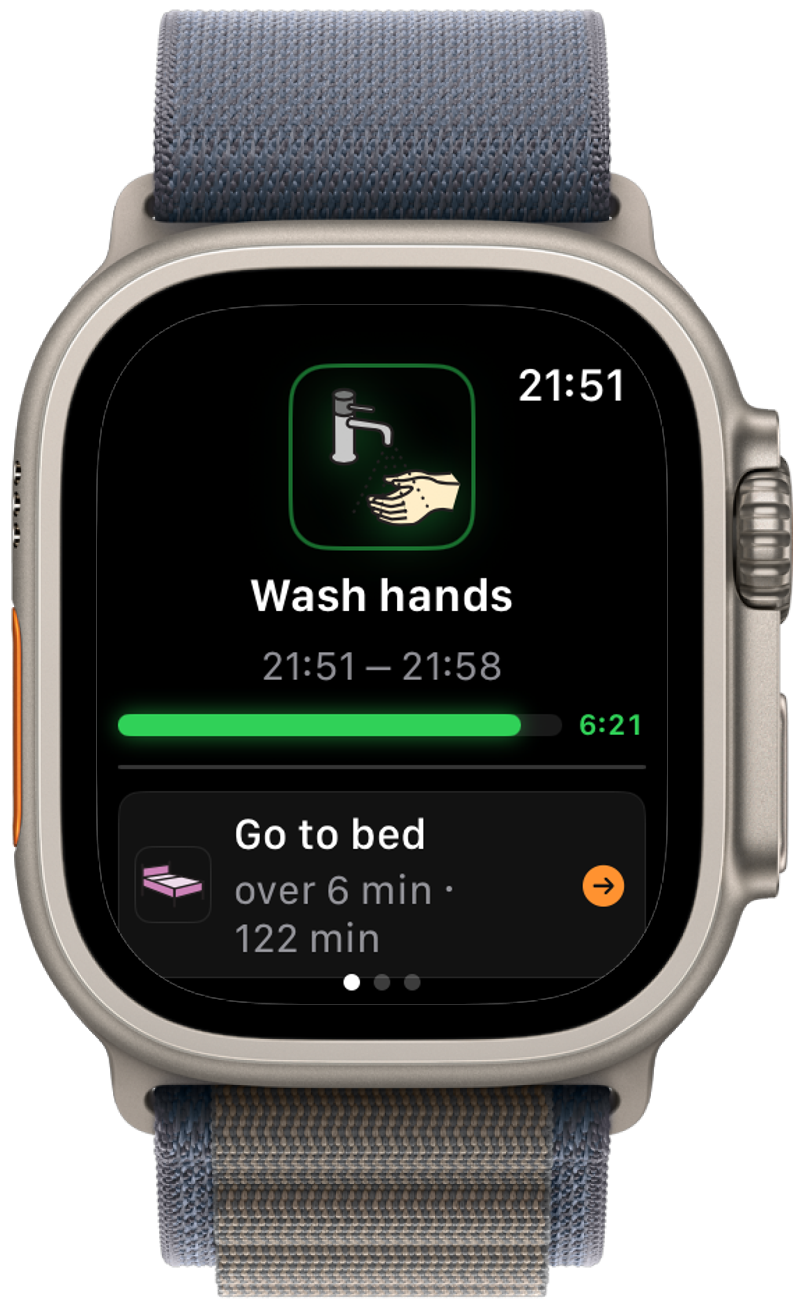
Gentle vibration at every transition
Visual countdown so they know how long is left
Works offline once synced — no phone needed nearby
03 · Let it guide
You said it five times already today
A gentle vibration says it's time to switch. A pictogram shows what's happening now. A countdown shows how long. No repeating, no nagging — just calm guidance all day.
Tune the watch to your child.
What soothes one child unsettles another. Choose per child how they follow the day and whether the watch vibrates or makes a sound. Try it:
How your child follows the day
The next step comes when they tap Done. There is no such thing as being late.
At each change
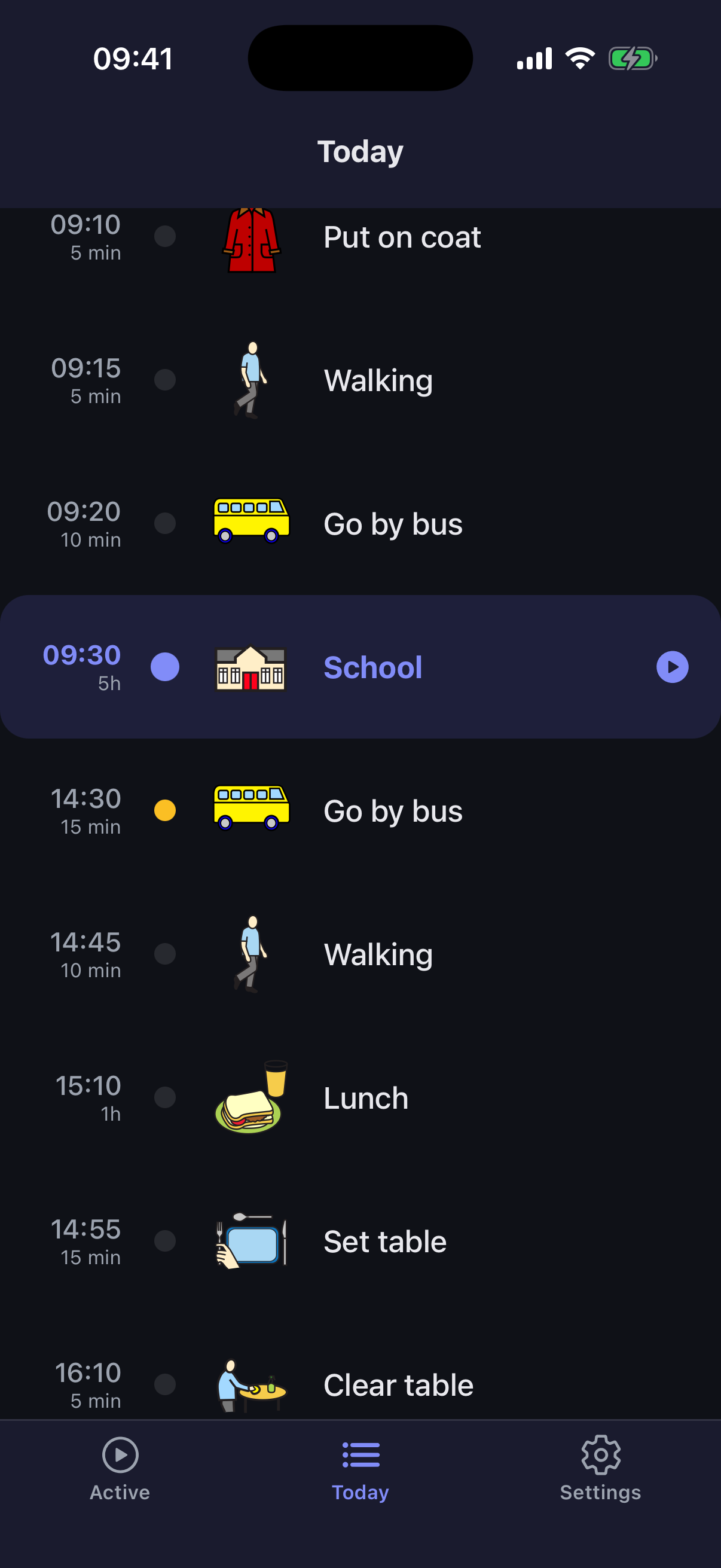
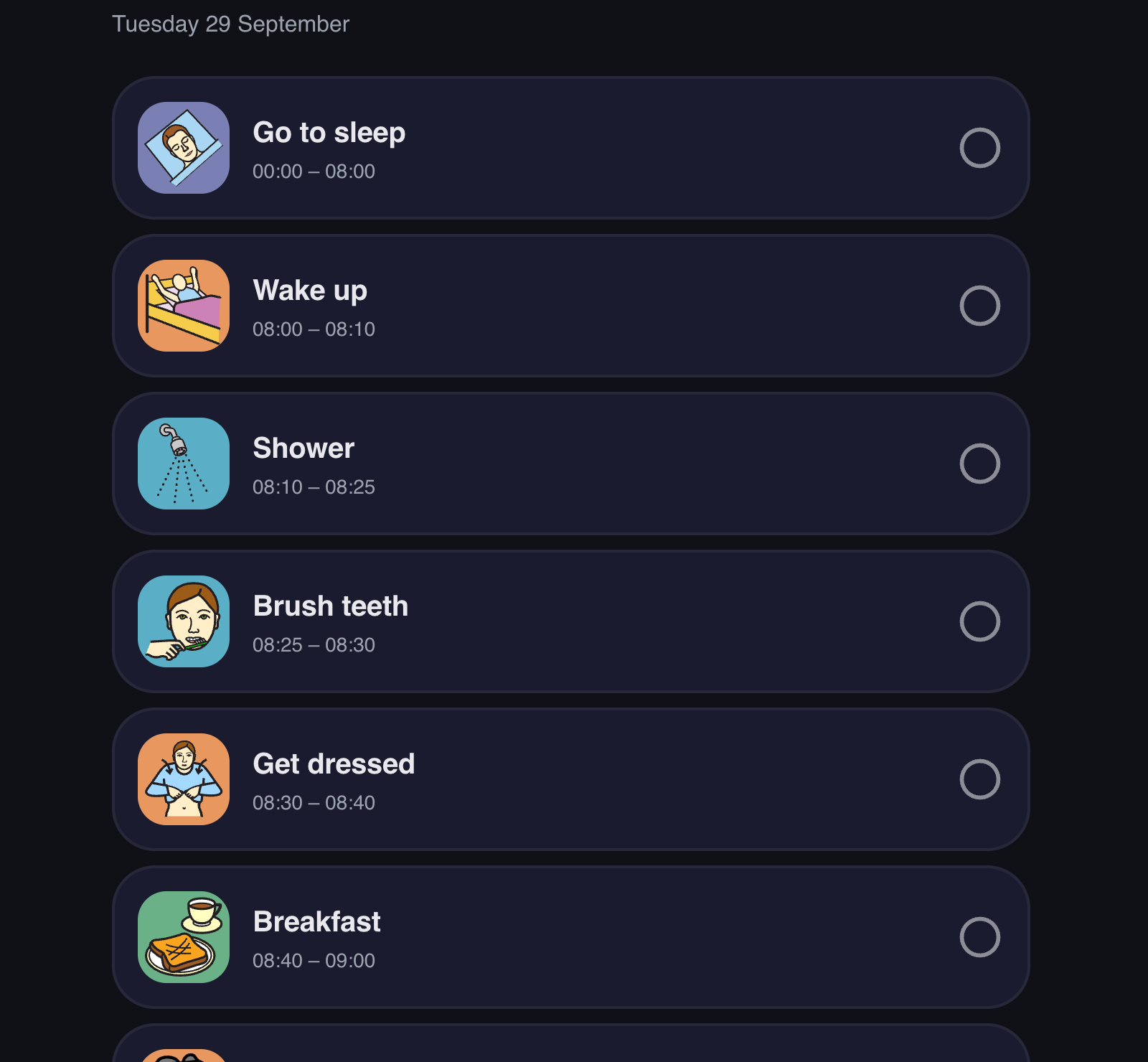
No watch? The phone works too.
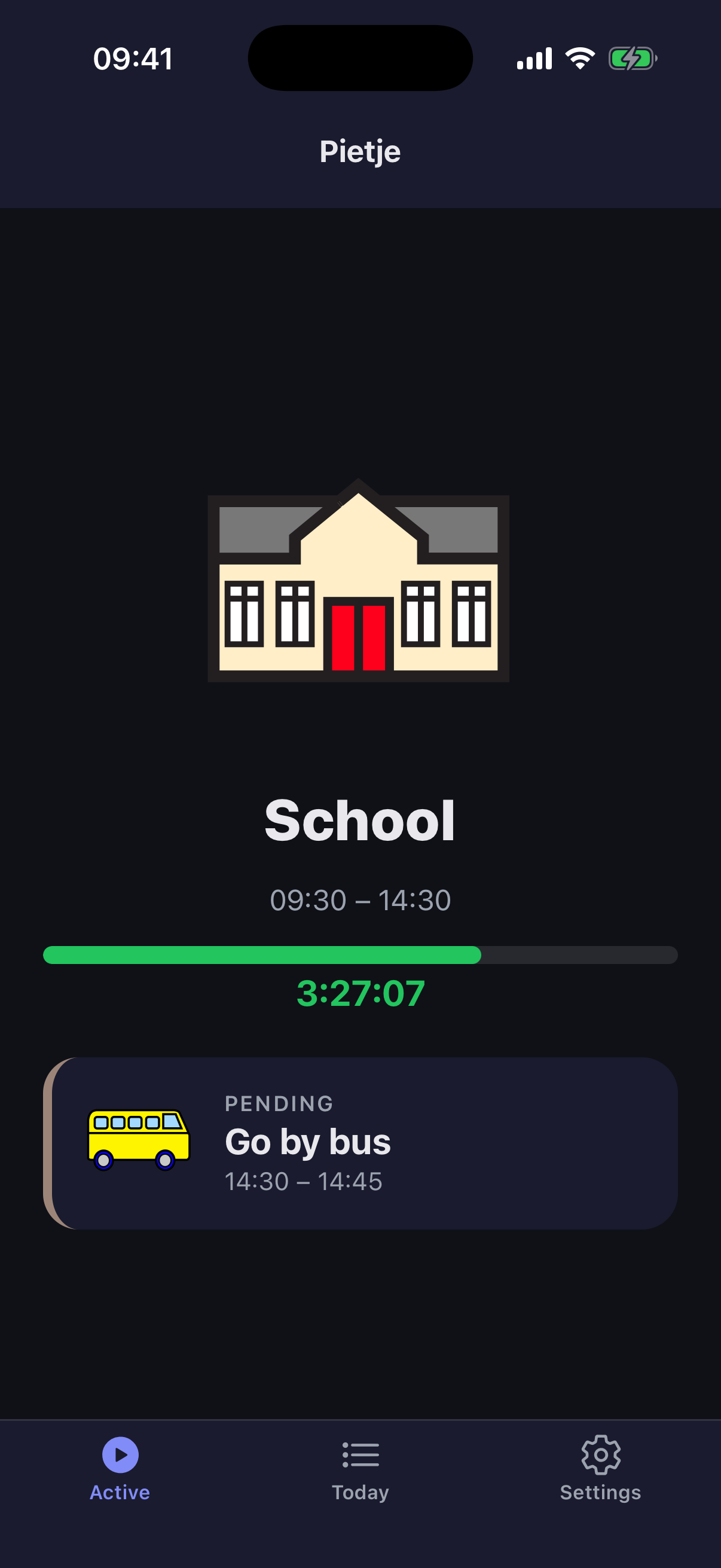
Your child can follow the day in the GentleTime app on their own phone or tablet, or in the browser with their own simple sign-in. They see what is happening now and what comes next, and tap an activity when it is done.
On a phone
In the browser
See it in action
You build the schedule. Your child follows it on their wrist.
Drag pictograms onto a visual timeline. Set how long each activity lasts. Copy yesterday's schedule and adjust. Your child's entire day, laid out clearly — no design skills needed.
Simple for parents. Complete for professionals.
Everyone picks how much they see, and can switch at any time. The schedule, the watch and the rest of the team stay exactly the same.
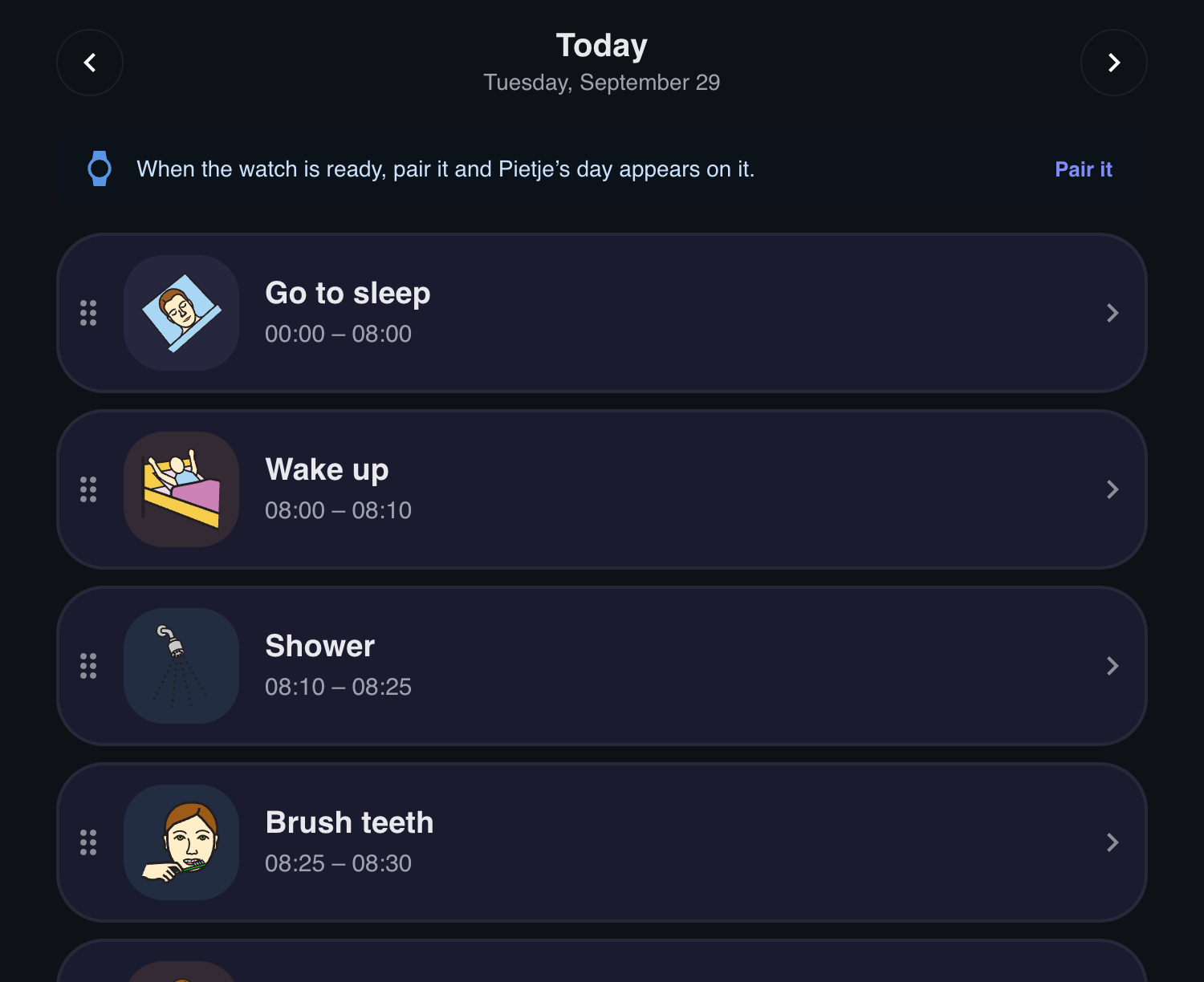
Simple
The day as a list of big cards: add, drag, done. One person at a time.
What changes when your child has GentleTime
It's not just a planning app. It's a daily companion that guides, reminds, and reassures.
Transitions without surprises
Transitions are often the hardest part of the day. A gentle vibration and a clear picture of what's next announce the change, so it doesn't come out of nowhere.
They do more on their own
When your child can see what's happening and what comes next, they can start following the routine on their own. Often that confidence grows day by day.
Every day can be different
School day, weekend, holiday — adjust the schedule in minutes. Save templates for days that repeat, tweak for days that don't.
A day with GentleTime
Here's what it actually looks like.
- 07:15Brush teeth10 min leftPut on shoesin 10 min
7:15 AM
The morning routine
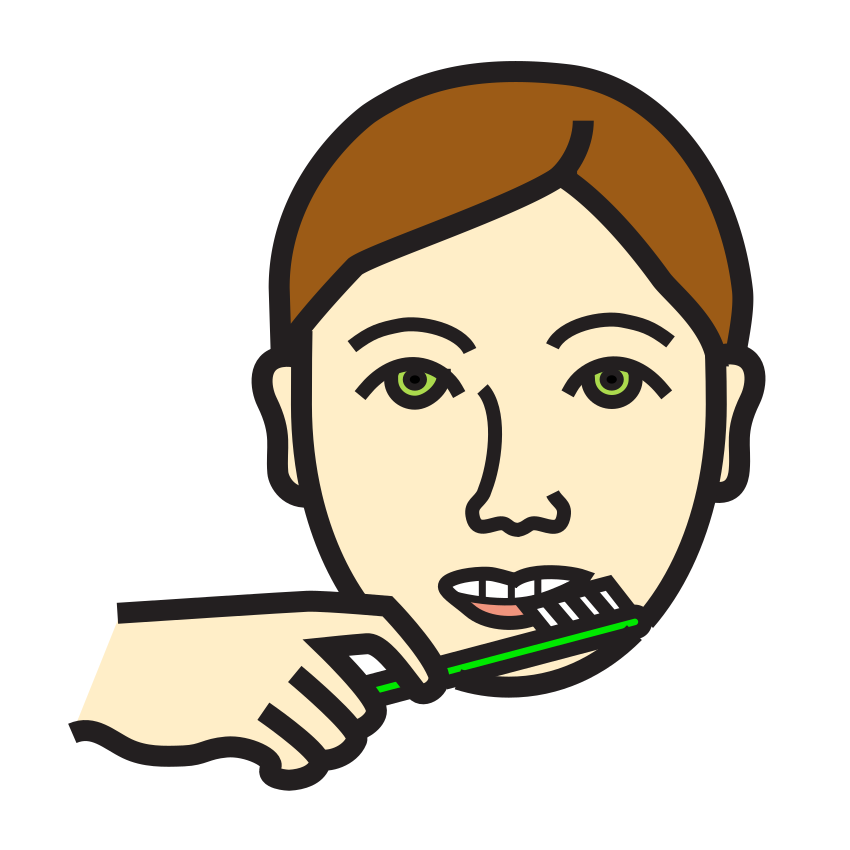
You used to stand in the hallway repeating 'teeth, now' three times before anything happened. Now the watch vibrates, a toothbrush pictogram appears, and a 10-minute countdown starts. It's not magic — some mornings are still hard. But your child checks their wrist instead of waiting for you to say it again.
- 15:30
 Go by car20 min left
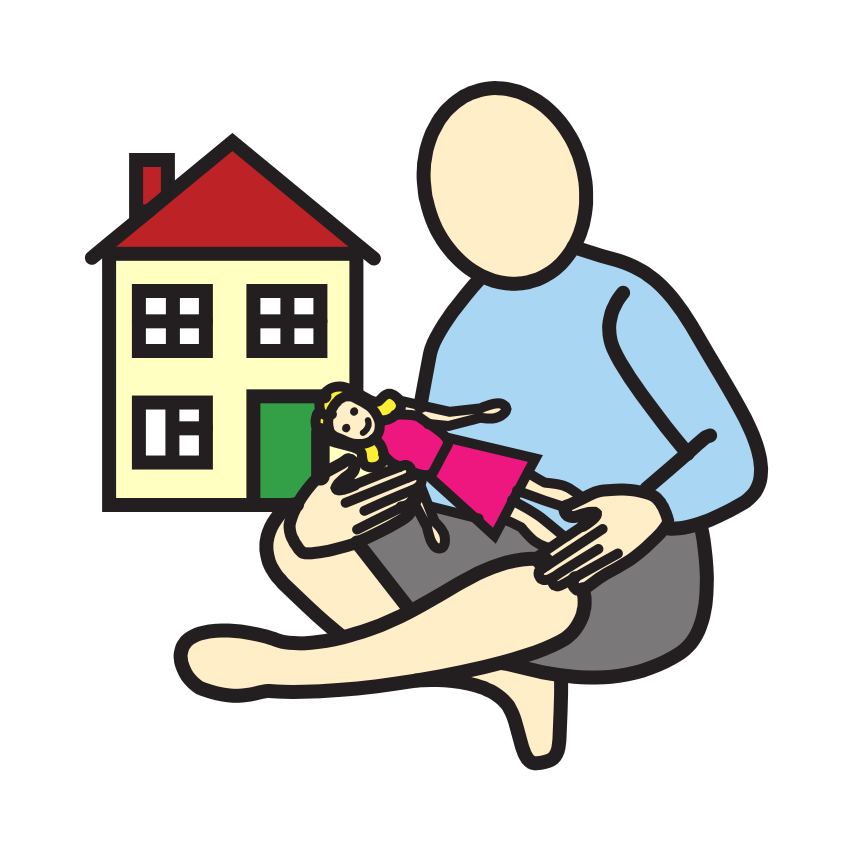 Free playin 20 min
3:30 PM
The after-school transition
Five minutes before pickup, a subtle vibration and a 'going home' pictogram announce the change. No surprise — just a clear signal that one part of the day is ending and the next is coming.
- 19:45
 Bedtime storyDone
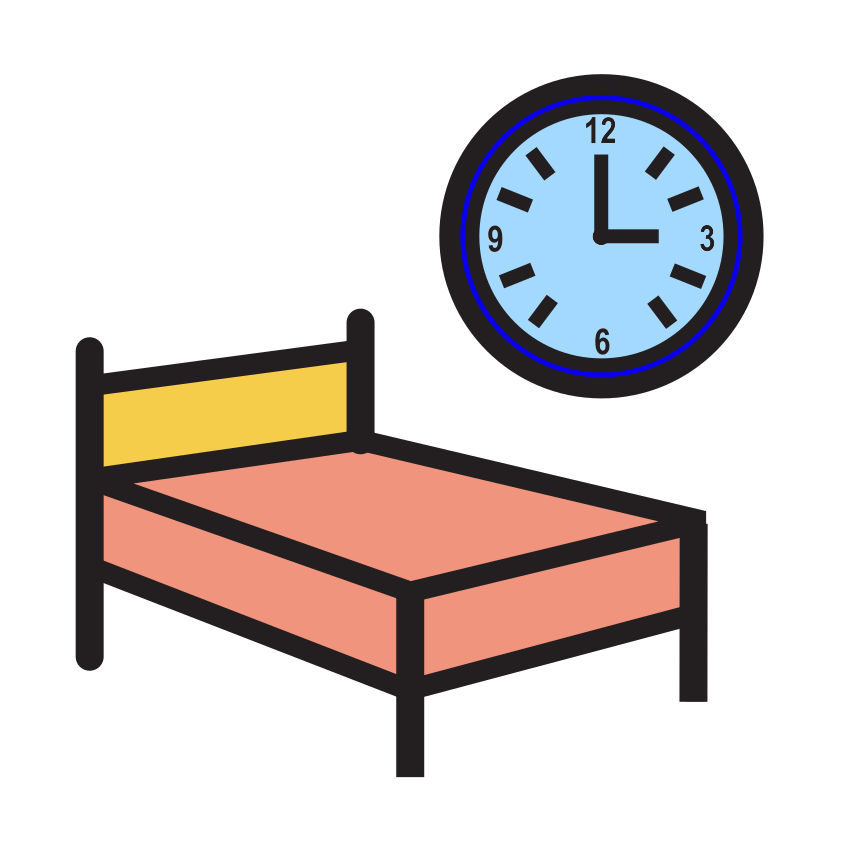 BedtimeNext
7:45 PM
The bedtime routine
Bath, pajamas, story, sleep. The same order every night, guided step by step on the watch. Your child follows along without needing to be told each step. You sit on the bed for the story — instead of standing in the doorway giving instructions.
From caring for them to making sure they can
For supported living, day services and community support: the person follows the day themselves, the team keeps the overview.
- Self-direction
- Autonomy
- Self-reliance
Your child's data stays yours
Encrypted and fully isolated. Never shared, never sold, never used to train AI.
Apple Watch & Wear OS
Works on both platforms. Syncs automatically, works offline — no phone needed nearby.
Set up in 10 minutes
If you can drag and drop, you can build a schedule. Copy from yesterday and adjust.
Available in 5 languages: English · Nederlands · Deutsch · Français · Español
Free to use, no account
Make a printable visual schedule, or read up on routines, pictograms and transitions.
Make a printable visual schedule, free
Choose from about 3,000 pictograms, set the order and print a strip, a row or cut-out cards. No account needed.
How to Make a Visual Schedule, Step by Step
How to make a visual schedule (picture schedule) that actually gets used: choosing steps, pictures, order, layout and where to hang it. With examples.
7 min read
Autism Daily Schedule: How to Build One That Works
How to build an autism daily schedule step by step: anchors, pictures, time and transitions, with example schedules for school days, weekends and work.
7 min read
Transition Strategies: Making Changes Easier
Practical transition strategies for autistic children and adults: warnings, first-then boards, visual timers, transition objects and handling surprise changes.
7 min read
Frequently Asked Questions
A wall schedule shows the plan. GentleTime actively guides your child through it — with real-time reminders on their wrist, countdowns for each activity, and gentle vibrations at every transition. It's the difference between a map and a GPS.
GentleTime works for children, teens, and adults. Anyone who benefits from visual structure and gentle reminders can use it. The pictograms are clear and age-neutral.
You get full access to everything for 14 days, no credit card required. Create an account, build your first schedule, pair a watch — and see the difference. If you want to continue after the trial, choose the plan that fits.
Apple Watch and Wear OS smartwatches (Samsung Galaxy Watch, Google Pixel Watch, and others). You create schedules on any computer, tablet, or phone — the watch receives them automatically.
Yes. The Family plan supports 2 caregivers, and the Care Team plan includes unlimited accounts. Everyone sees the same schedule, so mornings run the same way regardless of who's on duty.
Yes. All data is encrypted and fully isolated per account. We don't share data between users, don't use it to train AI models, and don't sell it. Your child's information stays yours.
Not at all. If you can drag and drop, you can build a schedule. Most parents have their first day set up in under 10 minutes. And you can always copy from a previous day and adjust.
Yes. Choose between Mulberry (about 3,000 colourful pictograms) and Sclera (about 11,000 white-on-black pictograms, familiar from many schools and care settings). You can also add your own photos and drawings — of your own front door, the school or a favourite toy. They stay private to your family or team.
Tomorrow morning, let the watch say it.
Sign up today. As soon as your account is ready, your first day takes just a few minutes.