Everything your child needs to follow the day
Simple for you to set up. Clear for them to follow. That's the whole idea.



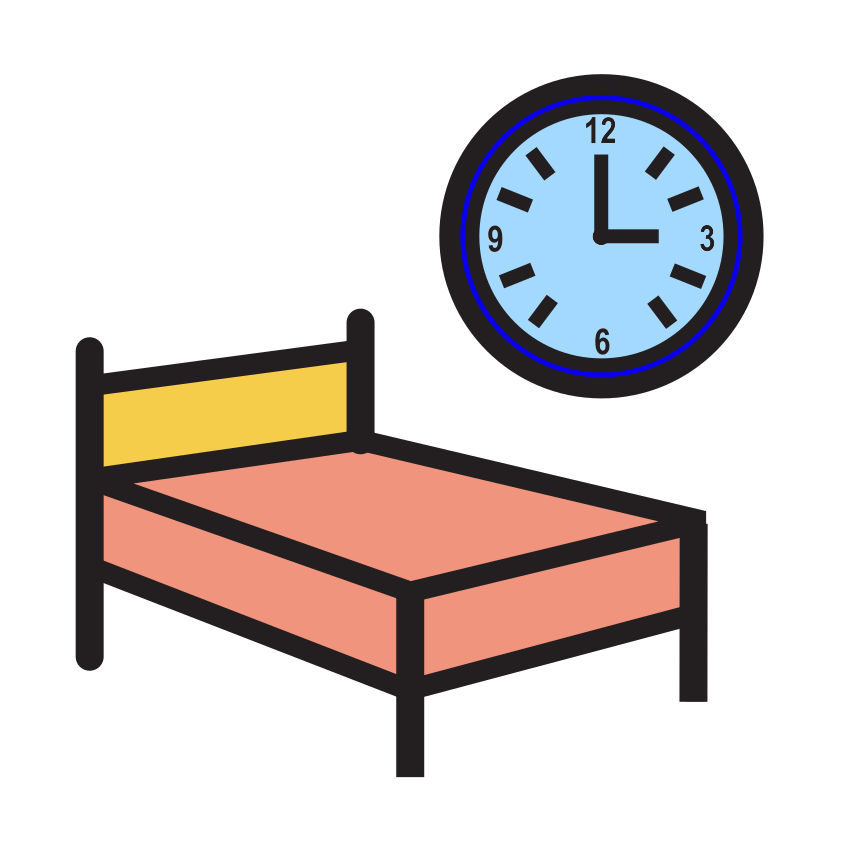
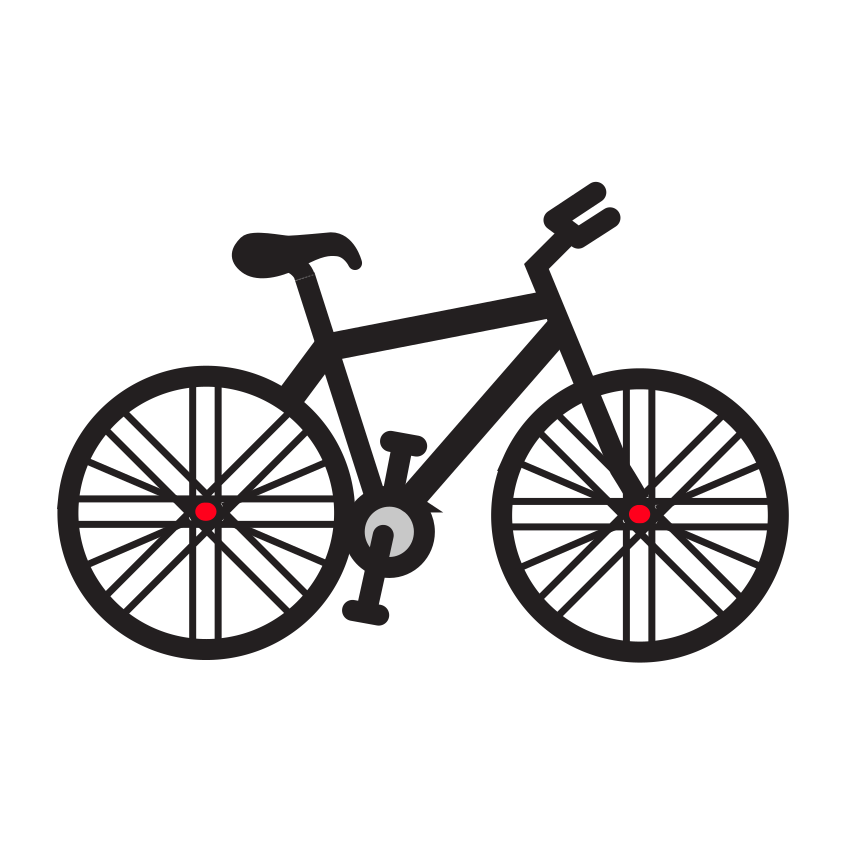

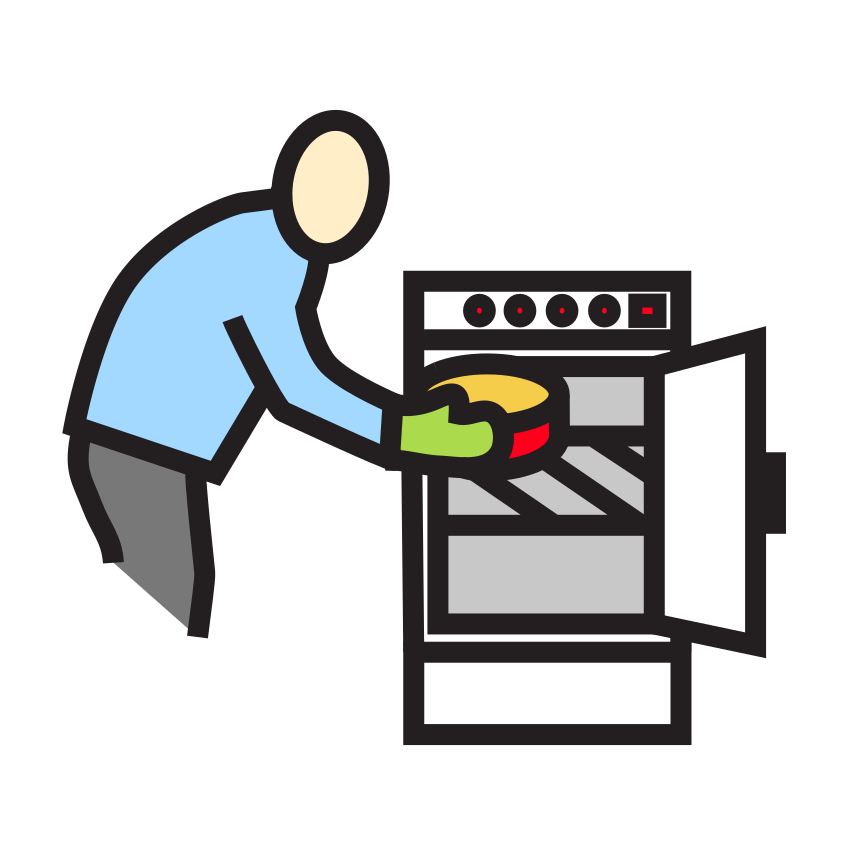




















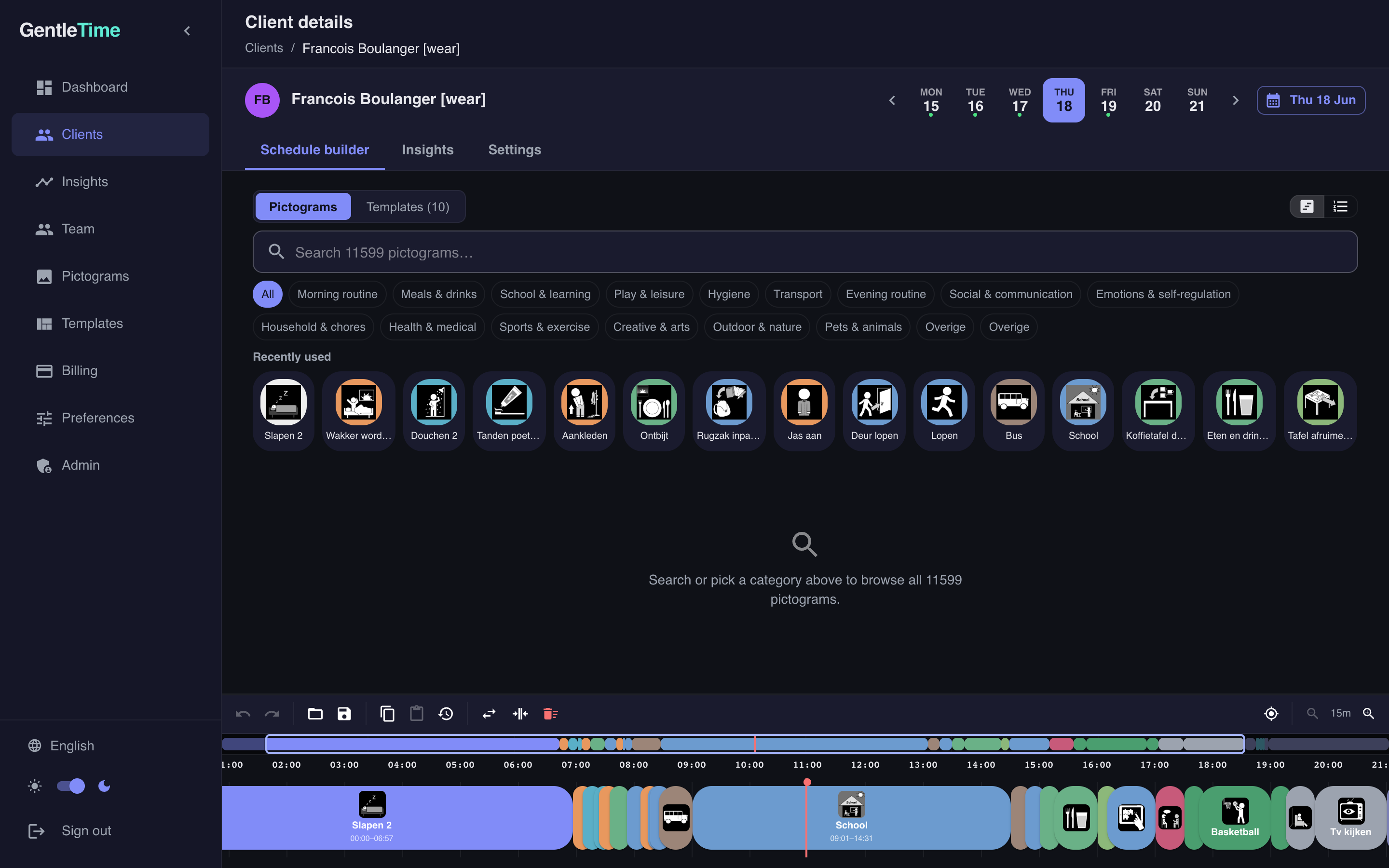
Visual timeline builder
Drag pictograms onto a timeline to build your child's day. Set how long each activity lasts, reorder with a drag, and see the full day at a glance.
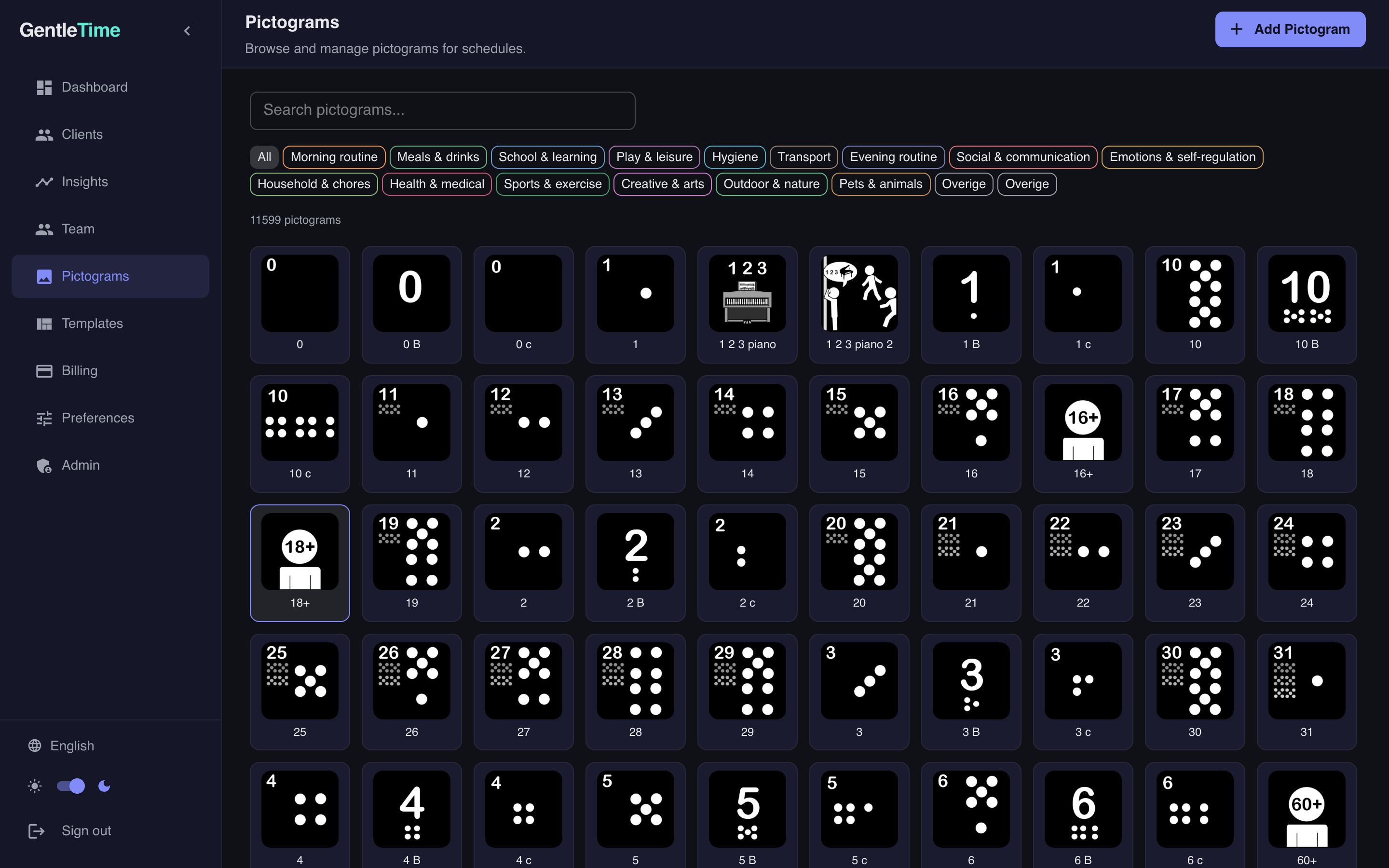
1,000+ pictograms, ready to use
Meals, hygiene, school, play, transport, and more — organized across 15 color-coded categories. Find the right picture in seconds.
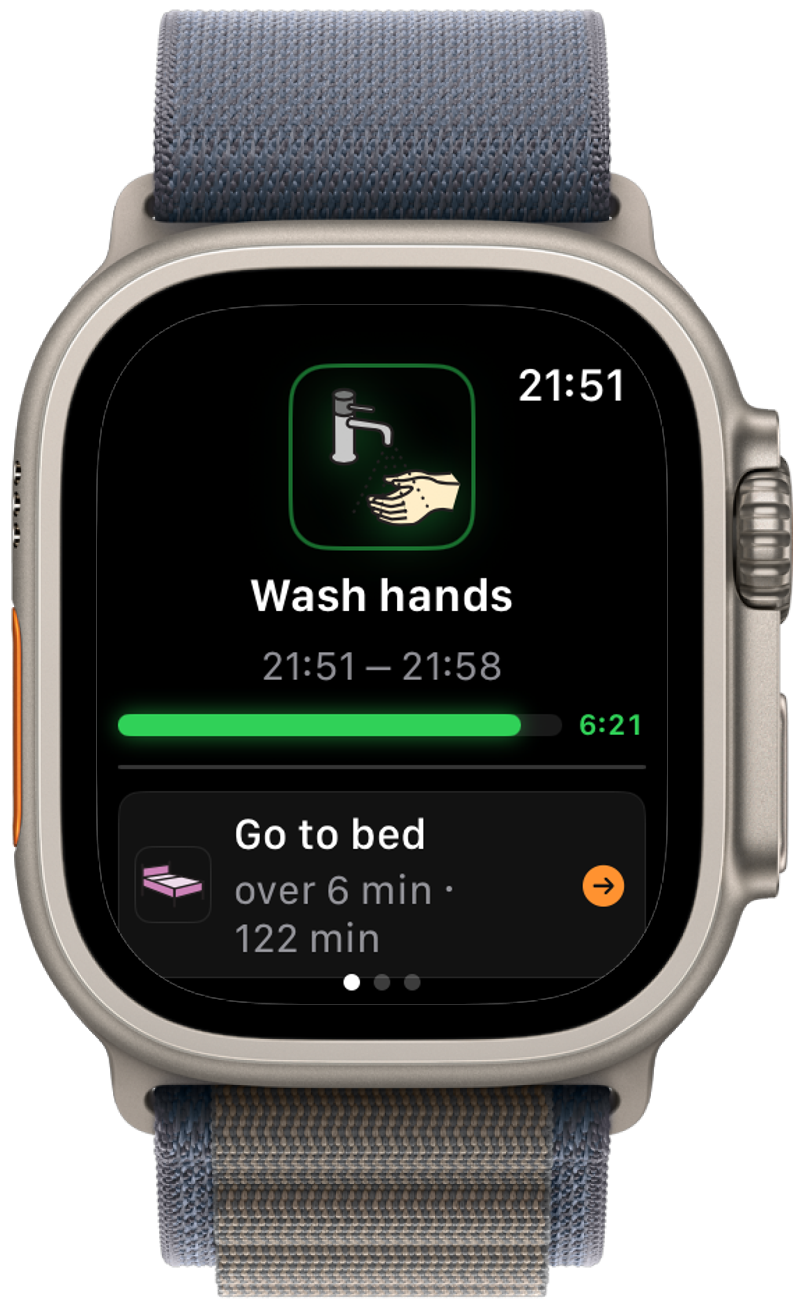
Wearable guidance — the core of GentleTime
This is what makes GentleTime different. The schedule doesn't stay on a screen — it goes with your child. Their smartwatch shows what's happening now, counts down the time, and vibrates gently at every transition.
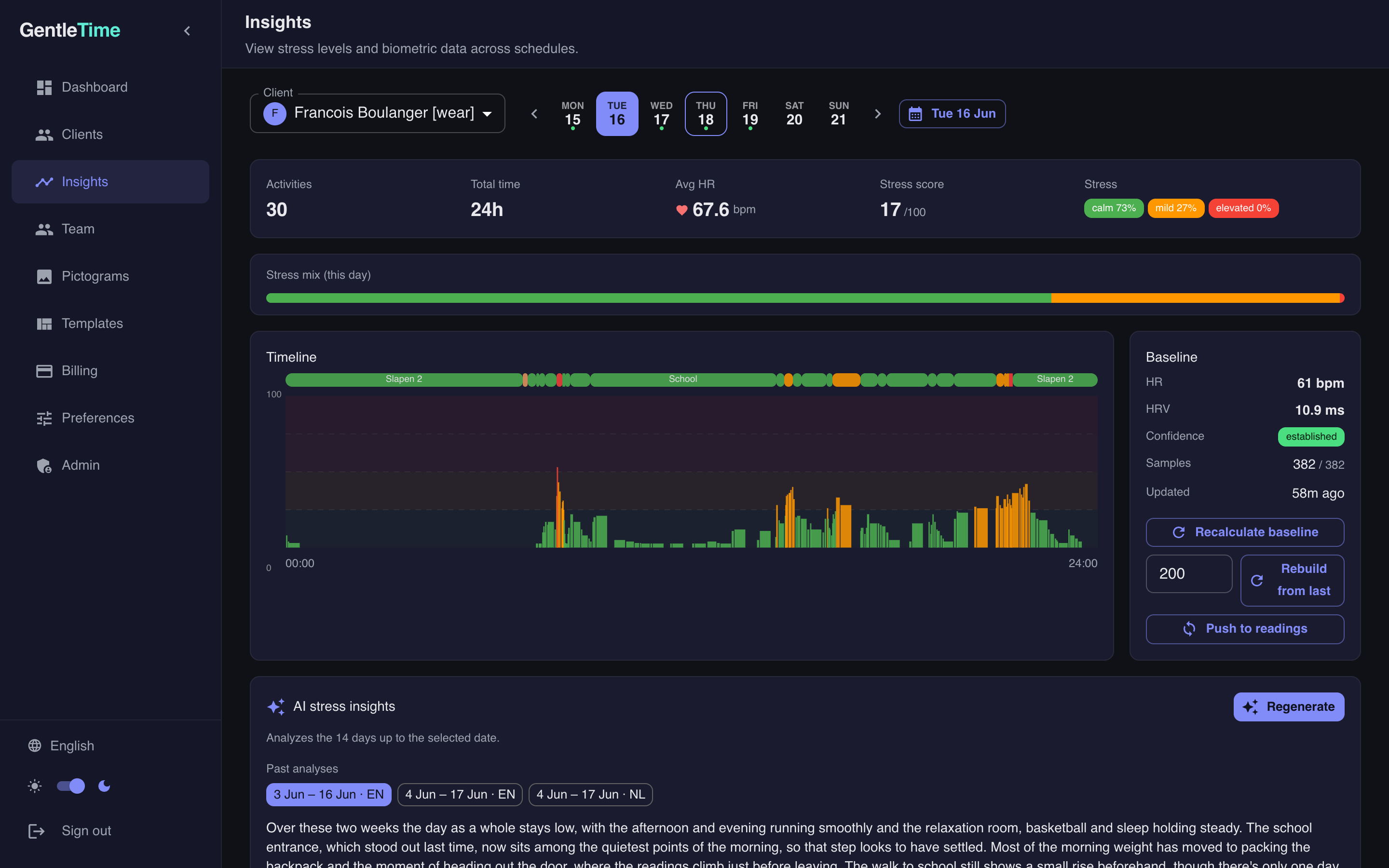
See which parts of the day are hard — and which aren't
The watch tracks your child's heart rate during each activity. Over time, you start seeing patterns: maybe math homework is more stressful than you thought, or the after-lunch transition needs a buffer.
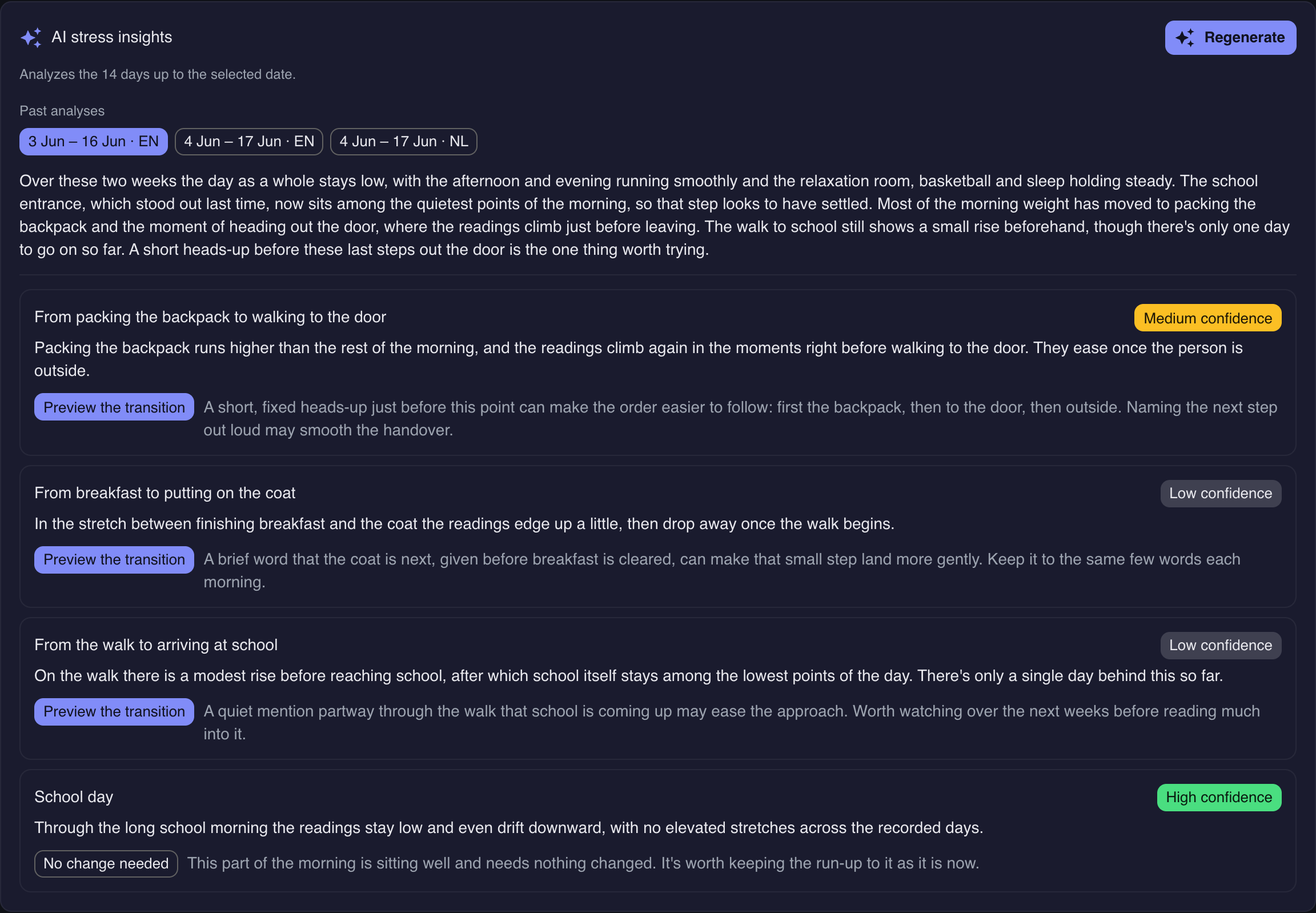
Smart suggestions
GentleTime will learn what works for your child and gently suggest improvements — like reordering activities, adding buffer time, or shifting something to a better time of day.
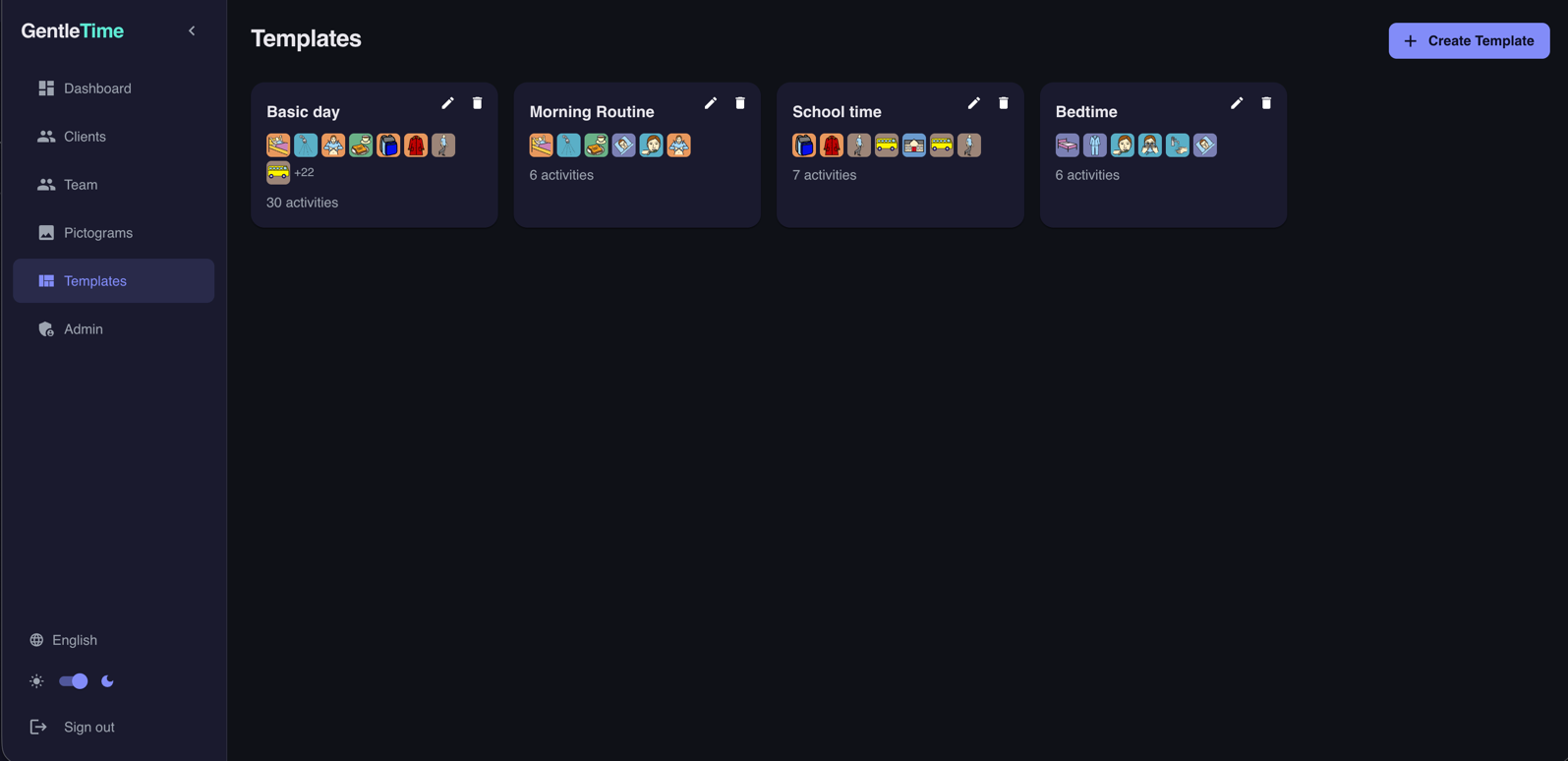
Templates for days that repeat
Monday always looks the same? Save it as a template and apply it with one tap. Copy yesterday and adjust what's different. Spend minutes, not hours.
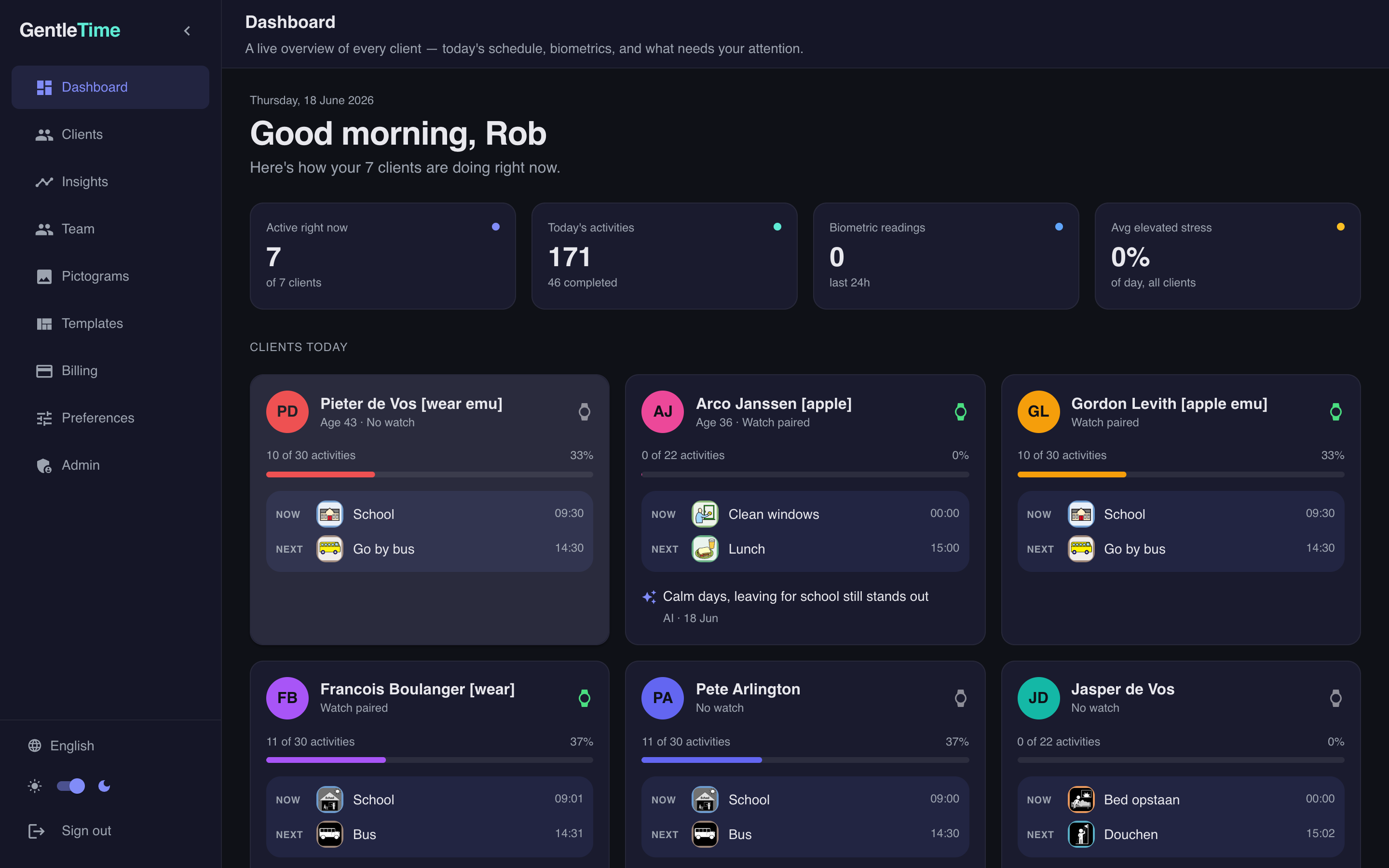
See all your children at a glance
One dashboard for everything. See who's on track, what's coming up, and where attention might be needed — across all the people you care for.
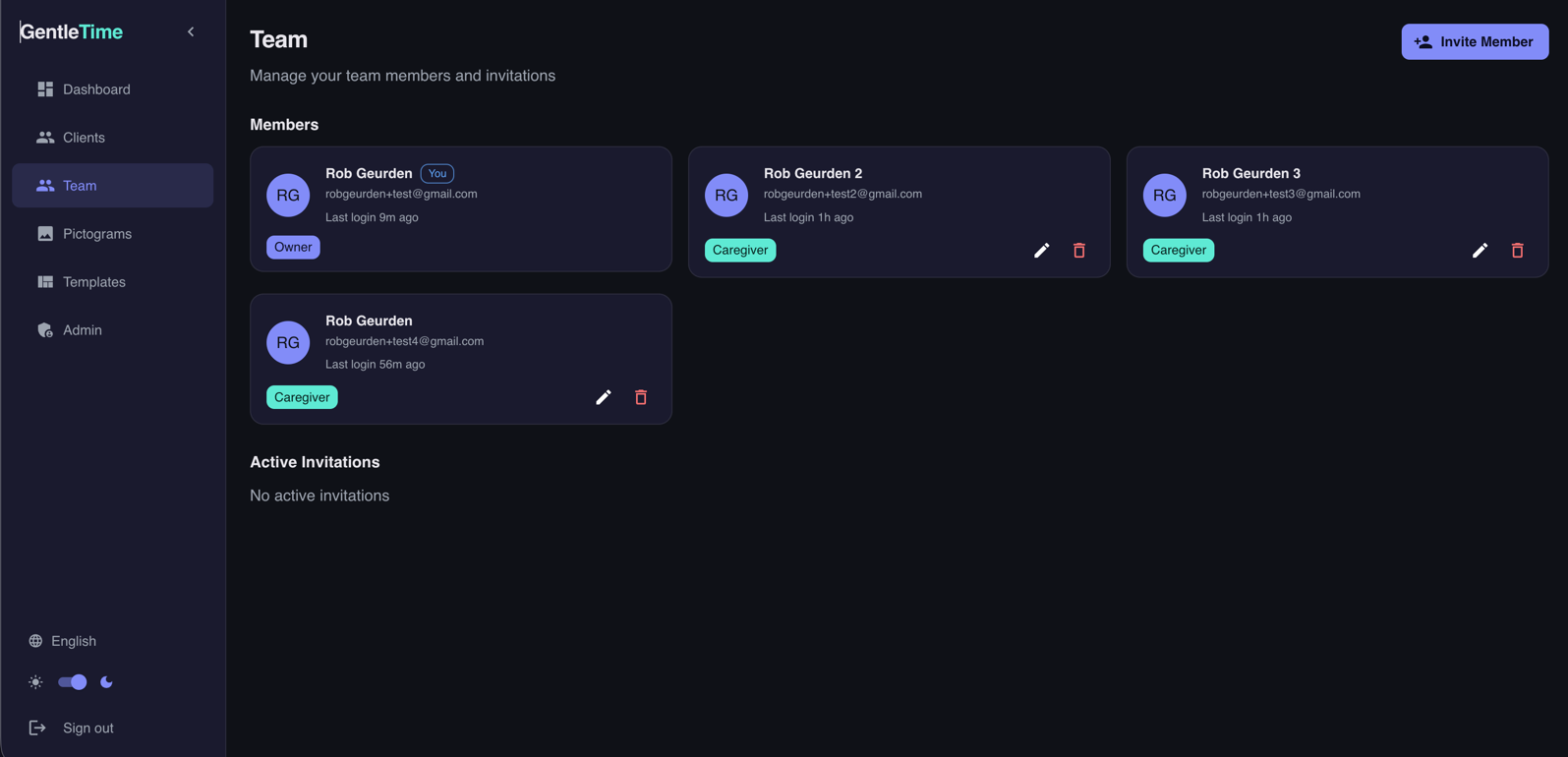
Everyone on the same page
Both parents, a babysitter, a therapist — everyone works from the same schedule. No miscommunication, no conflicting routines.
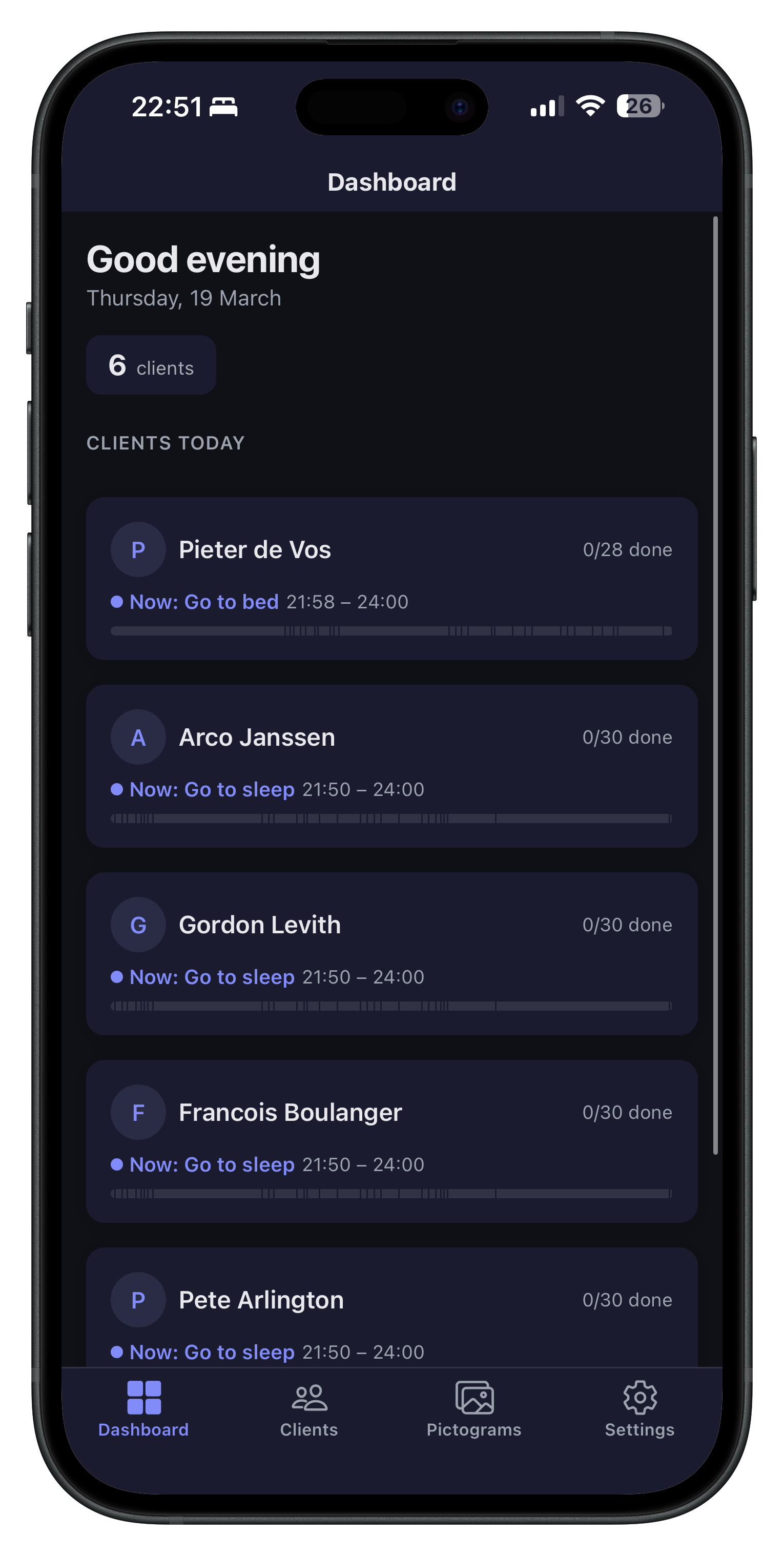
Manage schedules from your phone
Build and edit schedules wherever you are. The GentleTime mobile app gives you full control from your pocket — on iOS and Android.
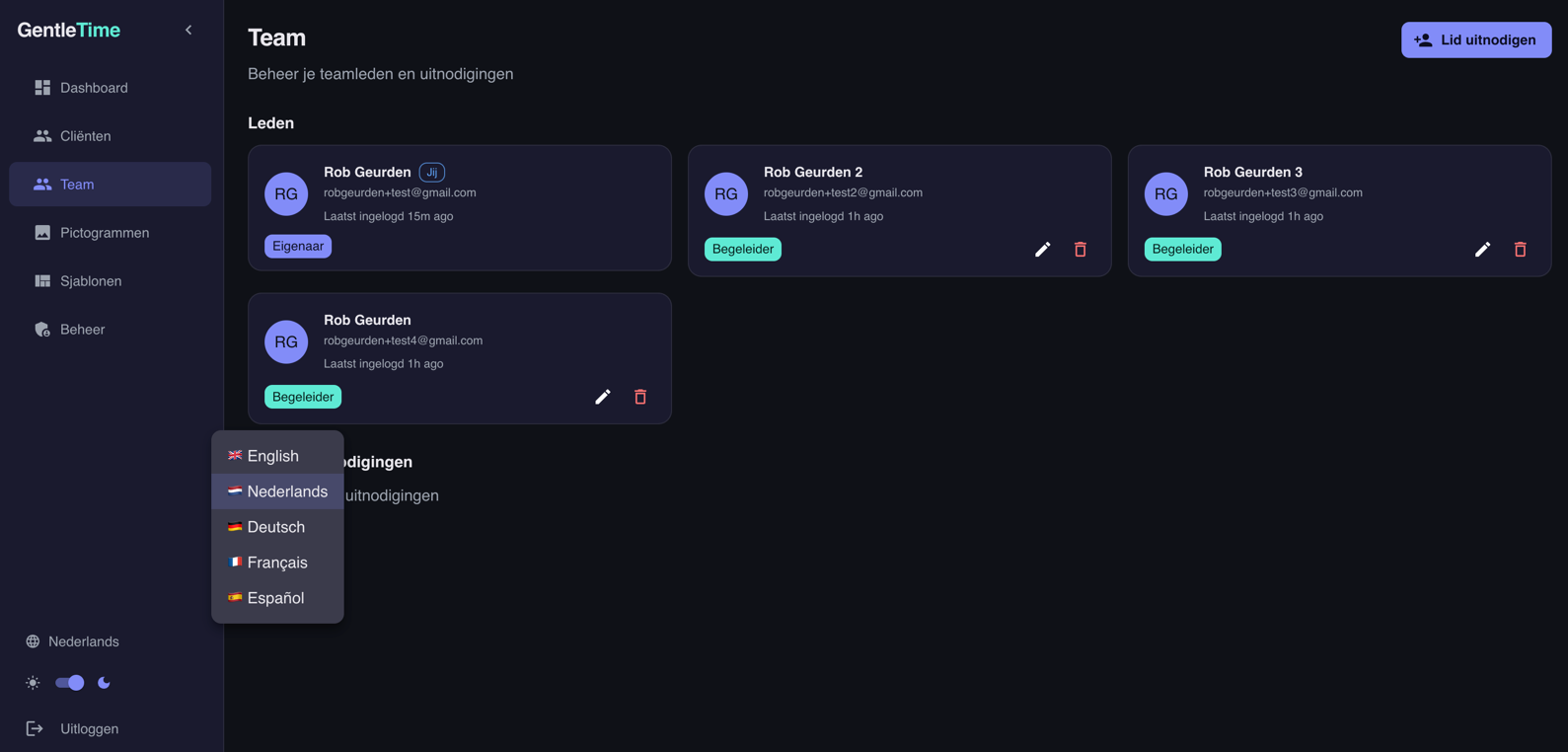
Works in your language — and theirs
You and your child can each use GentleTime in your own language. Pictogram names, interface, everything adapts automatically.